How to see ChatGPT traffic and sales in GA4 and Shopify
 By Daniela Ricaud, founder of Pretty Citable
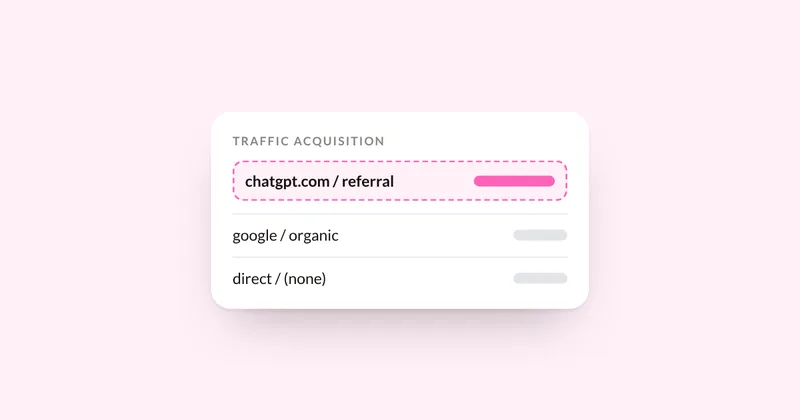
In Google Analytics 4, open the Traffic acquisition report and look for the AI Assistant channel, then switch to session source and search for chatgpt.com. In Shopify, open the Sessions by referrer and Total sales by referrer reports, and check the Agentic Storefronts page if you use it. Expect these numbers to run low, because many visits from AI answers arrive without any referral data.
Step 1: Find the AI Assistant channel in GA4
Google Analytics 4 added "AI Assistant" to its default channel group in 2026. GA4 puts a session there when the referring site is on its list of AI assistant sites. Google hasn't published the full list.
- Go to Reports, then Acquisition, then Traffic acquisition.
- Make sure the table shows Session default channel group.
- Find the AI Assistant row. Add Key events or Total revenue as columns to see what those visits did.
Step 2: Check the exact source
In the same report, change the primary dimension to Session source and type "chatgpt" in the search box. Repeat with "perplexity", "gemini", "claude" and "copilot".
ChatGPT usually adds utm_source=chatgpt.com to the links it shows. One tracking study found it on 97.5% of ChatGPT links in October 2026. OpenAI hasn't documented it officially, and the tag can go missing: a report citing Adobe found it absent from October 8 to 15, 2026, until a fix rolled out.
Step 3: See visits and sales in Shopify
- Go to Analytics, then Reports.
- Open Sessions by referrer to see visits by referring site. Look for chatgpt.com and the other AI tools.
- Open Total sales by referrer to see the sales tied to each referring site.
- If you use Shopify's Agentic Storefronts, its page in your admin shows performance across the AI channels your products are sent to, such as ChatGPT and Microsoft Copilot.
Step 4: Know why the numbers run low
- Many visits arrive with no referral data, and GA4 files them as (direct) / (none).
- Shoppers who read about you in an AI answer often search your brand name later, and that visit looks like regular Google traffic.
- Tags and referrers can disappear for days at a time, as the October 2026 gap showed.
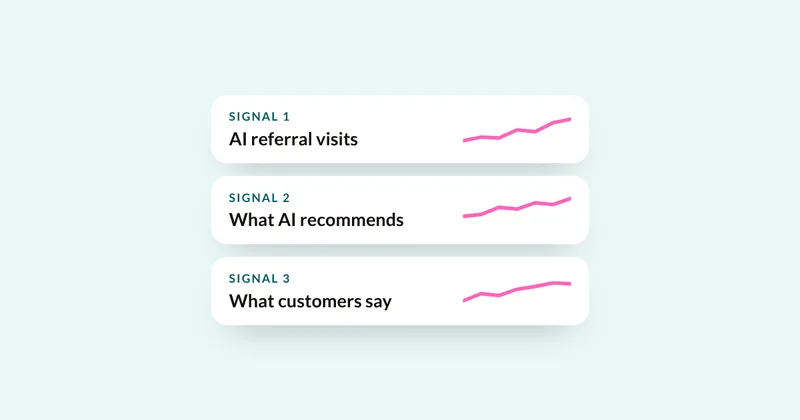
Low numbers here don't prove AI isn't influencing your sales. Read them next to two other signals: what AI actually recommends when you test your buyers' questions, and what customers say when you ask how they found you. Here's how to put the three together.
Step 5: Check Google's AI features in Search Console
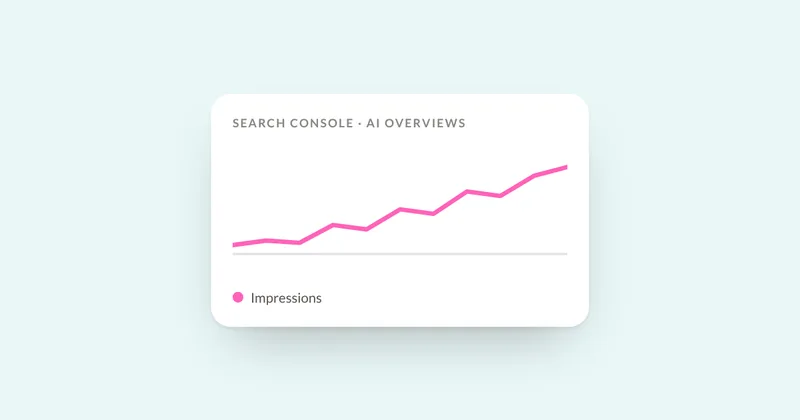
Google AI Overviews and AI Mode don't send a separate referral source. Search Console's generative AI performance reports show how often your pages appear in those features. Here's how to read them.
Sources
- Google Analytics Help: default channel group
- Search Engine Journal: Google Analytics adds AI Assistant as a default channel group
- LLM Pulse: ChatGPT UTM tracking study, Oct 25, 2026
- Relevant Audience: ChatGPT UTM tag bug fixed, Oct 16, 2026
- Shopify Help Center: traffic reports
- Shopify changelog: Agentic Storefronts in your admin, May 11, 2026
- Google Analytics Help: understand (direct) / (none) traffic
See where your brand stands
Run three buyer questions yourself in 60 seconds, or get the full AI Visibility Audit: 30 questions on four engines, a competitor map and a ranked fix list in 5 business days.